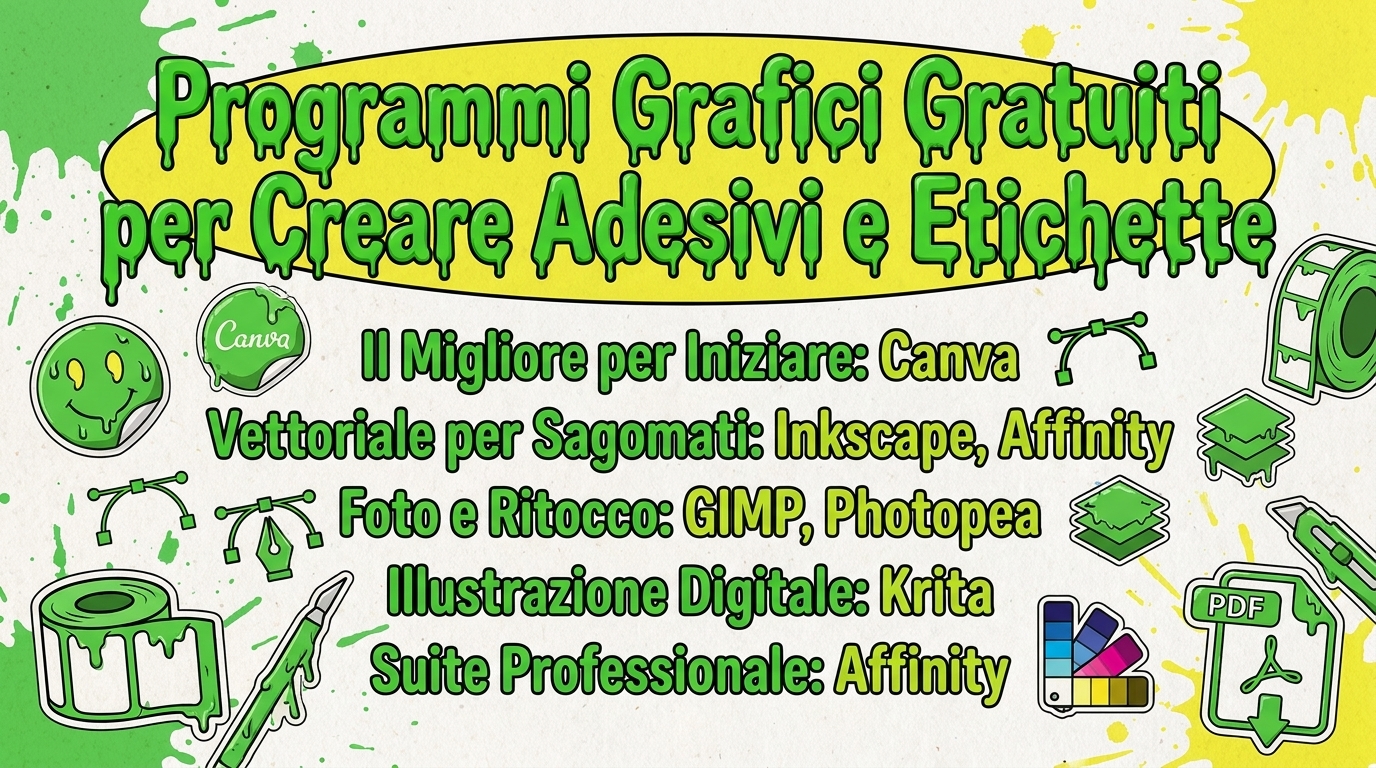
To create stickers and labels without spending a euro, the best free graphics programs are Canva (easiest), Inkscape (for vector), Krita (for illustration), GIMP (for photos) and Affinity, which has become free since 2026 and brings professional tools within everyone’s reach.
The choice, however, does not only depend on how good the program is. It depends on what you need to print. A die-cut sticker needs a vector file; a label with a photo needs a good raster editor; and any serious press wants a well exported file.
In this guide you will find the programs that matter, chosen from the point of view of those who actually print the artwork.
What a program must have to create graphics for printing
Before the names, the criteria. They are the ones that make the difference between a file that prints well and one that causes problems.
Vector graphics. Logos, writings and die-cut stickers must be drawn in vector (formats such as SVG or PDF): they can be enlarged to any size without becoming grainy. For a photo, however, you need raster graphics (like GIMP or Photopea).
Color management. The screen works in RGB, the print in CMYK. A program that handles CMYK gives you a more faithful preview of how the colors will come out on paper. If your software only works in RGB, export a PDF and check the color profile with the printer.
Export to high resolution PDF. PDF is the safest format for printing. For raster images, aim for at least 300 dpi to the actual size of the sticker.
Cut line (die line). For die-cut stickers you need to be able to draw a Cut Shape separate from the artwork. Vector programs allow this with layers.
Keep these four points in mind as you read the list: you’ll quickly understand which program is right for your project.
Canva: the easiest to get started
Canva is the right choice if you have never opened a graphics program. It works in the browser, without installing anything, and starts from thousands of ready-made templates: labels, stickers, logos, cards.
The free version is more than enough for most projects. Drag elements, change text and colors, and export to PNG or PDF.
For whom: beginners, those who want a quick result. Highlights for printing: PDF export, total simplicity. Limit: it is designed above all for digital (RGB); for die-cut or pure vector work it is less suitable. Where: browser, Windows, Mac, Android, iOS.
Inkscape: the vector for stickers and logos
Inkscape is the best free program for vector graphics, the open source alternative to Illustrator. It is the right tool for logos, writing and die-cut stickers, because it works in SVG and everything remains scalable to any size.
You can draw the cut line on a dedicated layer: convenient especially for custom-shaped stickers.
For whom: those who create logos, die-cut stickers, vector graphics. Highlights for printing: pure vector, precise control of shapes. Limit: historically works in RGB; for CMYK it is better to export to PDF and confirm the color with the typography (or refine the layout in Scribus). Where: Windows, Mac, Linux.
GIMP: free photo editing
GIMP is the historic alternative to Photoshop. Used when the sticker or label starts from a photo or image to be retouched: crops, correct the colors, clean the background.
It’s not the most straightforward — the interface takes some getting used to — but it’s powerful and complete.
For whom: those who work with photos and raster images. Highlights for printing: advanced control over the image, export to many formats. Limit: steeper learning curve; For vector, Inkscape is better. Where: Windows, Mac, Linux.
Krita: digital illustration
Krita was created for artists and illustrators. If your sticker is an original design — a character, an illustration, hand lettering — this is where you create it, with over a hundred brushes ready.
Unlike many free software, Krita supports CMYK: an advantage when you are already thinking about printing.
For whom: illustrators, those who draw stickers by hand. Highlights for printing: CMYK support, professional drawing tools. Limit: it is a digital painting program, not a layout program. Where: Windows, Mac, Linux.
Affinity: the professional, now free
It’s the biggest news of 2026. After the acquisition by Canva, the entire suite Affinity (Photo, Designer and Publisher) has become free and without subscription. In practice you have vector graphics, photo editing and layout in a single professional-level program, at no cost.
For those who create stickers and labels it is probably the most complete choice: it manages vector, CMYK and print-ready PDF export.
For whom: those who want a pro tool without paying, or those coming from Adobe. Highlights for printing: vector + CMYK + PDF printing in one software. Limit: some AI functions remain paid via Canva Premium; the interface is richer, therefore less immediate than Canva. Where: Windows, Mac (iPad version coming soon).
Photopea: Photoshop in the browser
Photopea replicates Photoshop directly in the browser, without installing anything and without registration. It also opens PSD files, so it’s useful if someone sends you a design in that format and you just want to edit it on the fly.
For whom: those looking for a fast raster editor, without installations. Highlights for printing: opens and saves many formats, including PSD. Limit: works in RGB and shows advertising. Where: browser.
Which one to choose, in short
None of these programs are “the best” overall. Depends on the project:
- You’re a beginner and want to hurry → Canva.
- You need to create a logo or die-cut sticker → Inkscape or Affinity.
- Start with a photo → GIMP or Photopea.
- Draw the sticker by hand → Krita.
- You want just one complete and professional tool → Affinity.
A practical tip: since they are all free, try two or three. In an afternoon you understand which one suits your way of working.
From graphics to printing
Once the file is ready, export it to high resolution PDF (300 dpi at actual size) and check the cut path if the sticker is contoured.
At that point all that’s missing is the press. On StickyAttack you can upload your artwork and order personalized stickers and customized labels, in the material and format you prefer. You already have the file: just print it well.
Frequently asked questions
What is the best free graphics program for creating stickers? It depends on the project: Canva for simplicity, Inkscape for vector die-cut stickers, Krita for illustrations, Affinity for full professional use.
Is there a free graphics program in Italian? Yes. Canva, Inkscape, GIMP and Krita are available in Italian, with a translated interface.
Is it better to have an online program or one to install? Online (Canva, Photopea) for quick work and from any device. Install (Inkscape, GIMP, Krita, Affinity) when you need more control and power.
What format is needed to print a sticker? A high-resolution PDF is the safest choice. For shapes and logos, vector is better; for photos, images at 300 dpi at actual size.
Is Affinity really free? Yes. After the acquisition by Canva, the Affinity suite is free and without a subscription. Only some AI functions remain paid.